Want to save $3000 by Christmas? Here’s how to give it a go with reverse budgeting.
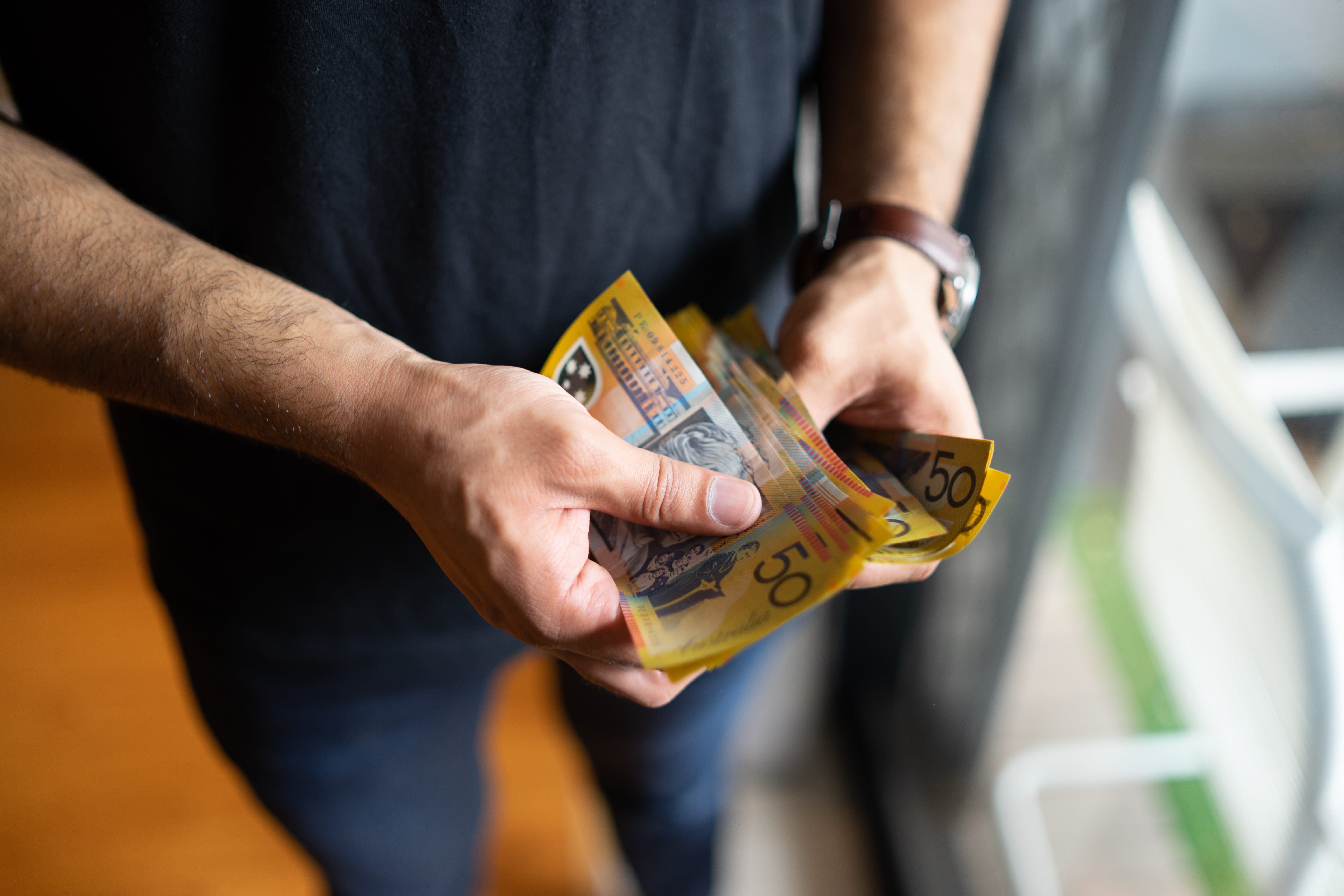
It’s hard to believe, but we’re already over halfway through 2025, and Christmas will be here before we know it.
For most of us, the festive season usually means a general hammering to the bank balance with gift buying, social catch-ups, xmas groceries and holiday travel.
One way to head into the silly season financially prepared is to start saving now.
There’s approximately 20 weeks left until Christmas, and as an example, if you start putting $150 a week away, you’ll have $3,000 in your Christmas kitty to spend come 25 December .
If saving $150 a week seems like an impossible task, have you ever thought about reverse budgeting?
Usually when putting together a budget, you first list out all of your expenses including any discretionary spending and what’s left over then goes towards savings.
With reverse budgeting (sometimes also called the ‘paying yourself first’ saving strategy), the focus is on prioritising savings goals or at least treating saving as a non-negotiatable expense, much in the same way you look at rent or mortgage repayments.
To put reverse budgeting into action, ideally you’ll want to set up a high interest savings account (one that is separate from your everyday spending account) so that you can’t be tempted to dip into the funds easily.
If it helps, give the account a name like “Santa’s bills”, then set up an automatic 'bill' transfer each week or month into the account.
Voila. Come Christmas Day, there will be $3,000 to spend and enjoy with family and friends over the holidays.
Extra bite size ways to boost your savings:
- Use a round-up tool. Many everyday banking accounts come with tools that automatically round up your everyday spending to the nearest $1, $5 or $10. You’d be surprised to see how quickly those extra dollars and cents add up.
- Forgo a few small purchases each week. Often buy a coffee each morning or lunch at the office? Try skipping these purchases occasionally and instead of tapping on the POS terminal, tap your banking app and transfer the money you would have spent. An extra $15 a week into your savings account equals another $300 saved by Christmas.
- Make your money go further. You can save money on everything from discounted movie tickets and even earn cashback by utilising free rewards programs, online coupons and discount codes. Check your telco, energy and health insurance provider to see if they have a free rewards program. Here’s a shortcut to a list of currently available coupon codes on our sister site GetPrice.
-
High Interest Savings Accounts
Mozo may receive payment if you click products on our site. We don’t compare the entire market, but you can search our database of 255 savings accounts.Last updated 5 December 2025 -

AMP Bank GO Save
Go to site- Maximum rate
-
4.25
%
p.a.
(for $0 to $250,001)
- Standard rate
-
4.25
%
p.a.
(for $0 to $250,001)
- No deposit or withdrawal conditions
- No minimum balance or monthly account fees
- All you need is an AMP Bank GO Everyday Account to open a Save account in the AMP Bank GO app.
- Standard rate
-
Balances from $0: 4.25% p.a.
Balances from $250,001: 3.50% p.a.
Balances from $5,000,001: 0.00% p.a.
- Maximum rate
-
-
- Maximum rate conditions
-
n/a
- Interest paid
-
Monthly
- Account fee per month
-
$0.00
- Access
-
-
- Kids ages
-
-
- Minimum balance
-
$0.00
- Other restrictions
-
Must be linked to a Everyday Account with AMP Bank GO.
- Other benefits
-
Up to 99 savings Spaces can be opened under the GO Save account with the ability to set goals and automatic transfers into spaces from the GO Save account.
Read reviews and learn more about AMP Bank GO savings accounts
Go to site -


Mozo experts choice awards won:
- Kick Start Savings - 2025
- Highly Commended SMSF Savings Bank - 2025
High Interest Savings Account
Go to site- Maximum rate
-
5.00
%
p.a.
(for $0 to $250,001)
- Standard rate
-
3.45
%
p.a.
(for $0 to $250,001)
- Easy set up, online and mobile banking app
- No fees, no minimum balance, no minimum monthly deposit and no minimum term
- Kick start your savings with the 4 month introductory variable rate
- Standard rate
-
Balances from $0: 3.45% p.a.
Balances from $250,001: 2.70% p.a.
- Maximum rate
-
Balances from $0: 5.00% p.a.
Balances from $250,001: 2.70% p.a.
- Maximum rate conditions
-
Bonus rate for the first 4 months from account opening, reverting to standard variable rate. Rate shown is for Personal customers and is subject to change. Different rates apply to Business/SMSF customers.
- Interest paid
-
Monthly
- Account fee per month
-
$0.00
- Access
-
Internet banking
- Kids ages
-
-
- Minimum balance
-
$0.00
- Other restrictions
-
Must link to a transaction account. Minimum age for applying from a Rabobank Online Savings Account is 18 years.
- Other benefits
-
-
Read reviews and learn more about Rabobank savings accounts
Go to site -

Savings Maximiser
No Partner link- Maximum rate
-
4.75
%
p.a.
(for $0 to $100,000)
- Standard rate
-
0.01
%
p.a.
(for $0 and over)
- Standard rate
-
Balances from $0: 0.01% p.a.
- Maximum rate
-
Balances from $0: 4.75% p.a.
Balances from $100,000: 0.01% p.a.
- Maximum rate conditions
-
For customers who deposit $1000 from an external source into a personal ING account (excluding Orange One and Living Super), make 5 eligible transactions and grow their nominated Savings Maximiser account each month so there is more in the account at the end of the month than there was at the start of each month (excluding interest). The total bonus interest rate is available on balances up to $100,000 on one Savings Maximiser the next month after meeting eligibility.
- Interest paid
-
Monthly
- Account fee per month
-
$0.00
- Access
-
Phone banking, Internet banking
- Kids ages
-
-
- Minimum balance
-
$0.00
- Other restrictions
-
Must be linked to an Orange Everyday transaction account to receive the bonus rate. Where multiple Savings Maximiser Accounts are held, the bonus rate is only applied to one nominated account.
- Other benefits
-
No minimum deposits or transactions needed to receive bonus rate when linked with Orange Everyday Youth Account
Read reviews and learn more about ING savings accounts
-

High Interest Save Account
No Partner link- Maximum rate
-
5.10
%
p.a.
(for $0 to $1,000,000)
- Standard rate
-
0.00
%
p.a.
(for $0 and over)
- Standard rate
-
Balances from $0: 0.00% p.a.
- Maximum rate
-
Balances from $0: 5.10% p.a.
Balances from $1,000,000: 0.00% p.a.
- Maximum rate conditions
-
Welcome bonus rate for new customers for the first 4 months, when bonus conditions are met. Reverts to 4.35% bonus rate. Grow your balance across all Save accounts by at least $1 per month excluding interest, to earn bonus rate. Payable on total savings up to $1,000,000.
- Interest paid
-
Monthly
- Account fee per month
-
$0.00
- Access
-
Internet banking
- Kids ages
-
-
- Minimum balance
-
$0.00
- Other restrictions
-
Account can only be opened through iOS or Android app, but may be accessed through internet banking.
- Other benefits
-
-
Read reviews and learn more about ubank savings accounts
-
Bank accounts with round up features
Mozo may receive payment if you click products on our site. We don’t compare the entire market, but you can search our database of 255 savings accounts.Last updated 5 December 2025 -


Mozo experts choice awards won:
- Exceptional Everyday Account - 2025
Spend Account
No Partner link- Account fee
-
$0.00
- Payment options
-
Apple Pay, Google Pay, PayID, Samsung Pay, Garmin Pay
- Interest rate
-
0.00
%
p.a.
- Standard interest rate
-
Balances from $0: 0.00% p.a.
- Maximum interest rate
-
-
- Maximum rate conditions
-
n/a
- Account fee
-
$0.00
- Payment options
-
Apple Pay, Google Pay, PayID, Samsung Pay, Garmin Pay
- What kind of card?
-
Visa Debit
- Access
-
ATM, EFTPOS, Visa Debit
- ATM networks
-
none
- Network ATM fee
-
$0.00
- Over the counter deposit fee
-
-
- Over the counter withdrawal fee
-
-
- EFTPOS fee
-
$0.00
- Phone fee
-
-
- Internet fee
-
$0.00
- Overseas ATM fee
-
-
- Overseas purchase fee
-
$0.00
- Foreign exchange commission
-
0%
- Branch access
-
no
- BPAY
-
no
- Australia Post banking
-
no
- Other restrictions
-
Bank and saving new account sign up only accessible through iOS or Android app.
- Other benefits
-
-
- Fee free transactions
-
Unlimited eftpos, debit, ATM,
and banking app transactions using internet banking or the ubank iOS or Android app.
Read reviews and learn more about ubank bank accounts
-

Orange Everyday
No Partner link- Account fee
-
$0.00
- Payment options
-
Apple Pay, Google Pay, PayID, PayTo
- Interest rate
-
0.00
%
p.a.
- Standard interest rate
-
Balances from $0: 0.00% p.a.
- Maximum interest rate
-
-
- Maximum rate conditions
-
n/a
- Account fee
-
$0.00
- Payment options
-
Apple Pay, Google Pay, PayID, PayTo
- What kind of card?
-
Visa Debit
- Access
-
ATM, EFTPOS, Visa Debit, BPay, Bank@Post
- ATM networks
-
None
- Network ATM fee
-
$0.00
- Over the counter deposit fee
-
-
- Over the counter withdrawal fee
-
-
- EFTPOS fee
-
$0.00
- Phone fee
-
$0.00
- Internet fee
-
$0.00
- Overseas ATM fee
-
-
- Overseas purchase fee
-
$0.00
- Foreign exchange commission
-
0%
- Branch access
-
no
- BPAY
-
yes
- Australia Post banking
-
yes
- Other restrictions
-
-
- Other benefits
-
Access 1% cashback on eligible utility bill payments (up to $100 per financial year), rebates on ATM fees for the first 5 fee incurring withdrawals (domestic), unlimited rebates on the ING International Transaction fee when you deposit at least $1,000 from an external bank account and make at least 5 card purchases using your ING debit card each month.
- Fee free transactions
-
Access 1% cashback on eligible utility bill payments (up to $100 per financial year).
Read reviews and learn more about ING bank accounts
^See information about the Mozo Experts Choice Savings Account Awards
Mozo provides general product information. We don't consider your personal objectives, financial situation or needs and we aren't recommending any specific product to you. You should make your own decision after reading the PDS or offer documentation, or seeking independent advice.
While we pride ourselves on covering a wide range of products, we don't cover every product in the market. If you decide to apply for a product through our website, you will be dealing directly with the provider of that product and not with Mozo.


